

Behaviors and objectives
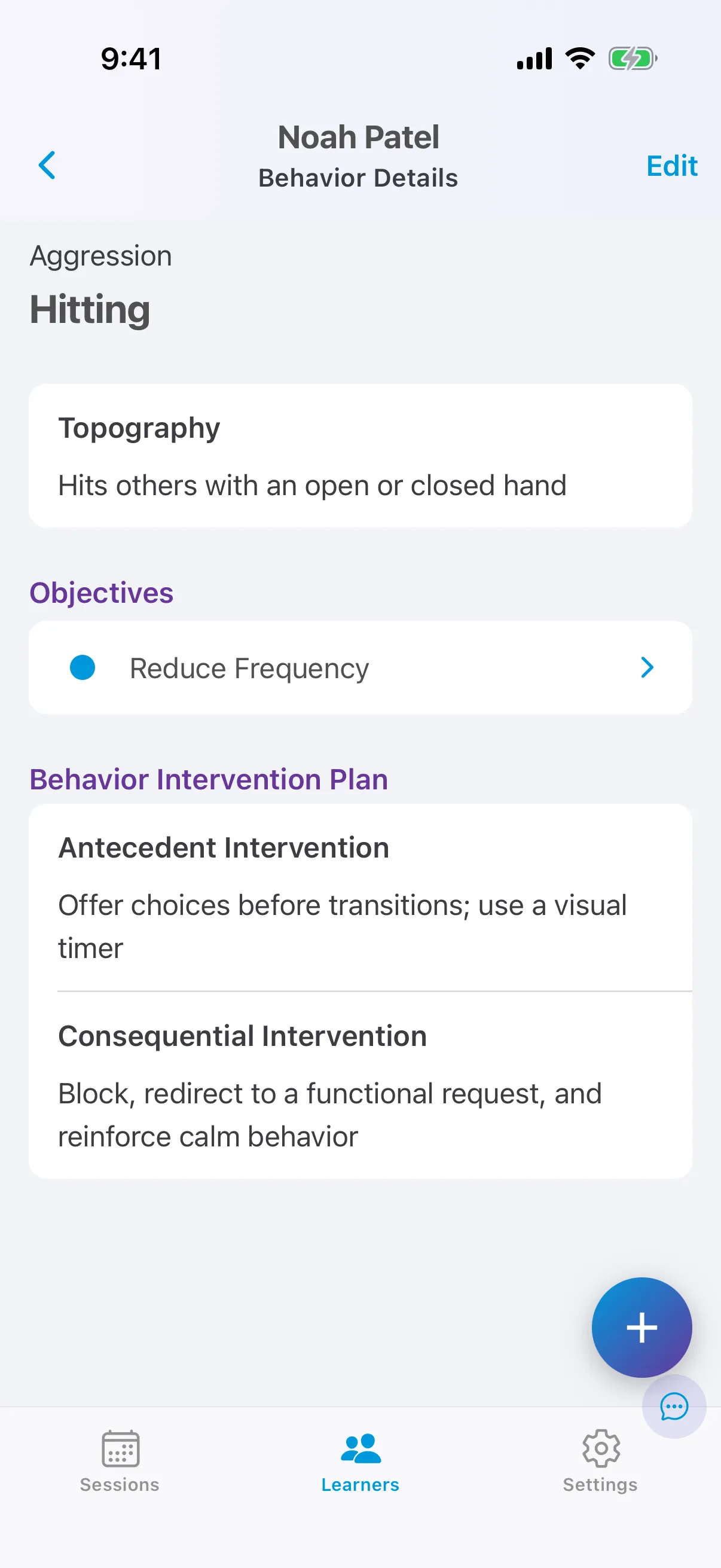
Problem behaviors live at the top of the In Progress tab. Each behavior has:
- a category, such as Aggression;
- a topography: an observable, measurable definition;
- antecedent interventions and consequence interventions: the behavior intervention plan your technicians see on the behavior’s card;
- one or more objectives: Reduce Frequency (count), Reduce Duration or Reduce Rate.
Add a behavior
Section titled “Add a behavior”- On the learner’s care plan, tap +.
- Choose a behavior from your list, or tap Custom Behavior to create one.
- Add the topography and the antecedent and consequence interventions.
- Add an objective and configure it: the form of measure, the maximum (count, duration or rate) and the number of consecutive weeks for mastery.
- Start the objective.
A behavior with no objectives stays on the Future tab. An objective is collected in sessions only once it is configured and started.