

Paper data collection
When you can’t use a device during a session, print the session’s targets and behaviors to collect data on paper. The PDF includes each target’s configuration, so you have the instructions in front of you.
From a session
Section titled “From a session”-
Open a direct care session.
-
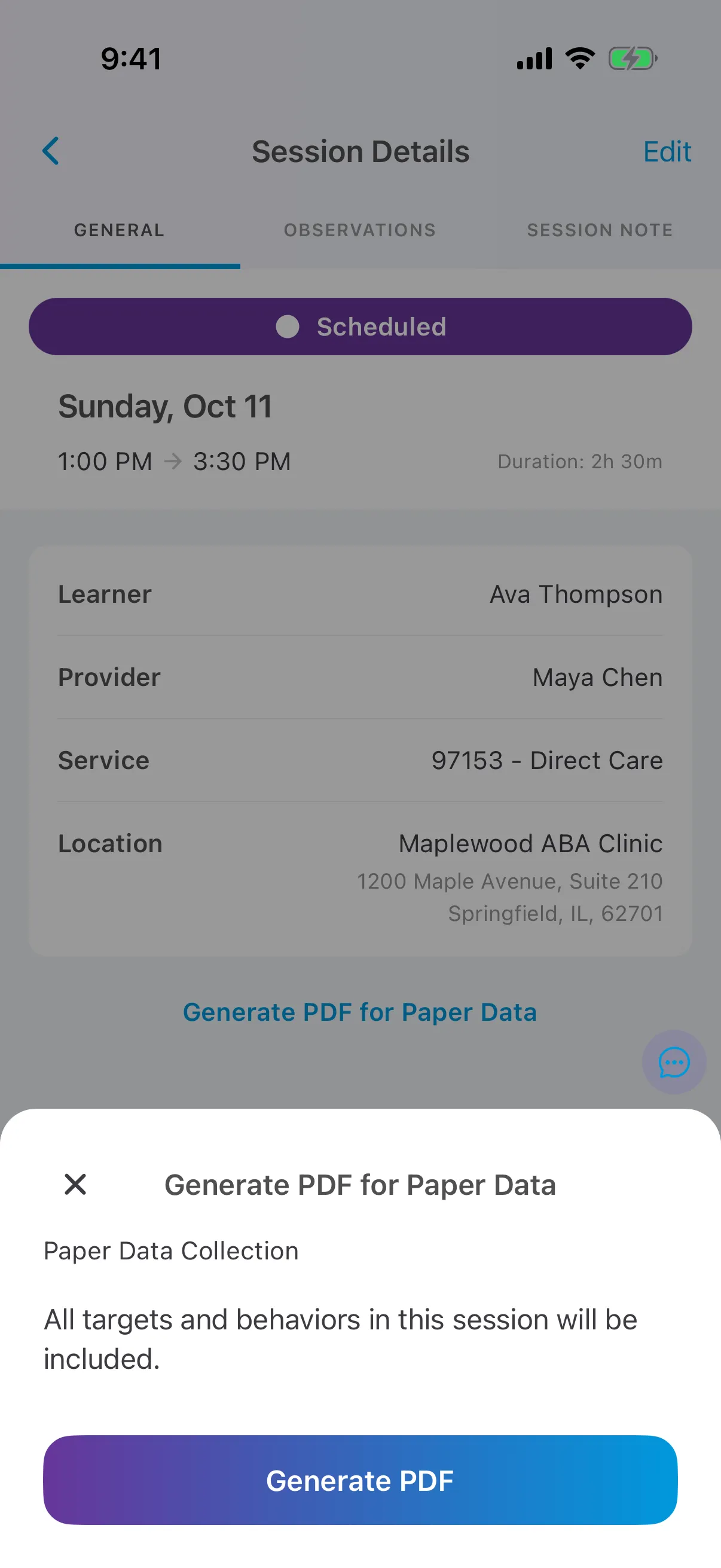
On the General tab, tap Generate PDF for Paper Data.
-
Tap Generate PDF. All the targets and behaviors in the session are included.
-
Share, save or print the PDF.
From the care plan
Section titled “From the care plan”On the learner’s care plan, tap ⋯ at the top right and choose Download Paper Data.
What’s in the PDF
Section titled “What’s in the PDF”Targets are grouped by form of measure and phase, then by domain, sub-domain and goal. The file is named Paper Data - Provider Name - Learner Initials - date and time.pdf.