

How a care plan is organized
A learner’s care plan holds everything they are working on. Open it from the Learners tab: tap the learner, then Care Plan.
Two kinds of items
Section titled “Two kinds of items”| Skill acquisition | Behavior reduction | |
|---|---|---|
| Top level | A goal, such as “Follows one-step instructions” | A behavior, such as “Hitting” |
| Inside it | One or more targets, such as “Touches named body parts” | One or more objectives, such as “Reduce Frequency” |
| Measured by | Percent correct, task analysis, count or duration | Count, duration or rate |
Skill goals are grouped by domain (for example, Language and Communication) and sub-domain (for example, Receptive Language). Behaviors are grouped under Problem Behaviors.
Future, In Progress and Past
Section titled “Future, In Progress and Past”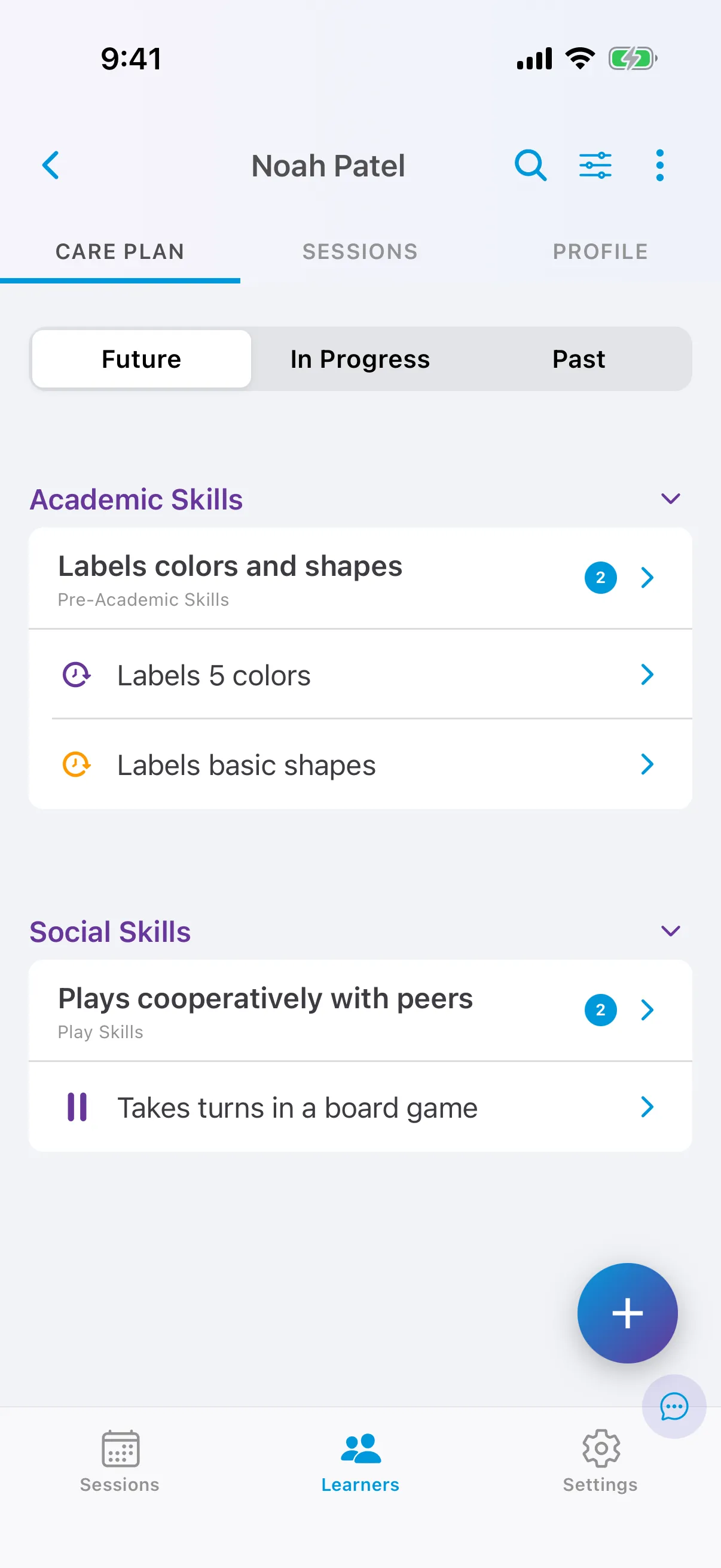
| Tab | Targets in these phases |
|---|---|
| Future | Unconfigured, Future (configured), On Hold |
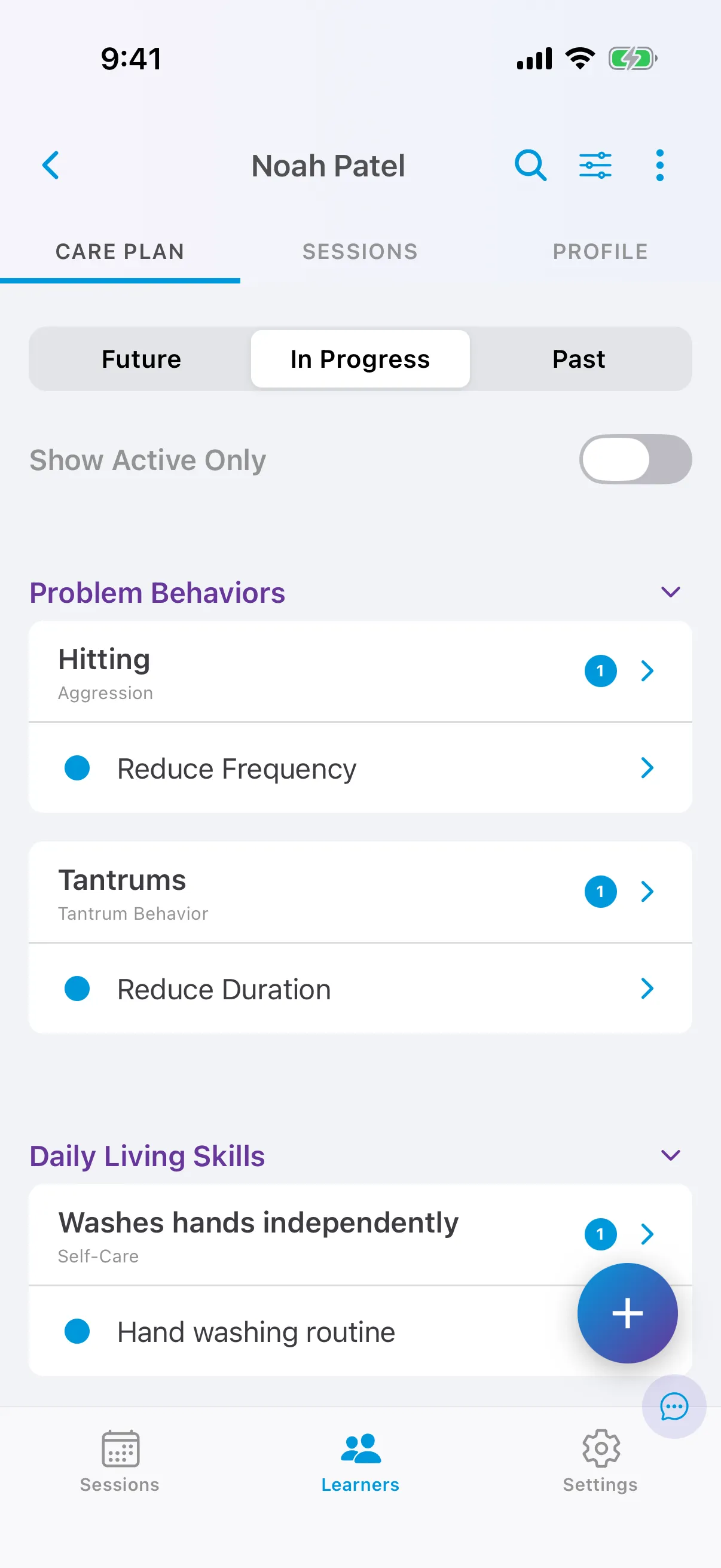
| In Progress | Baseline, Active, Maintenance, Generalization |
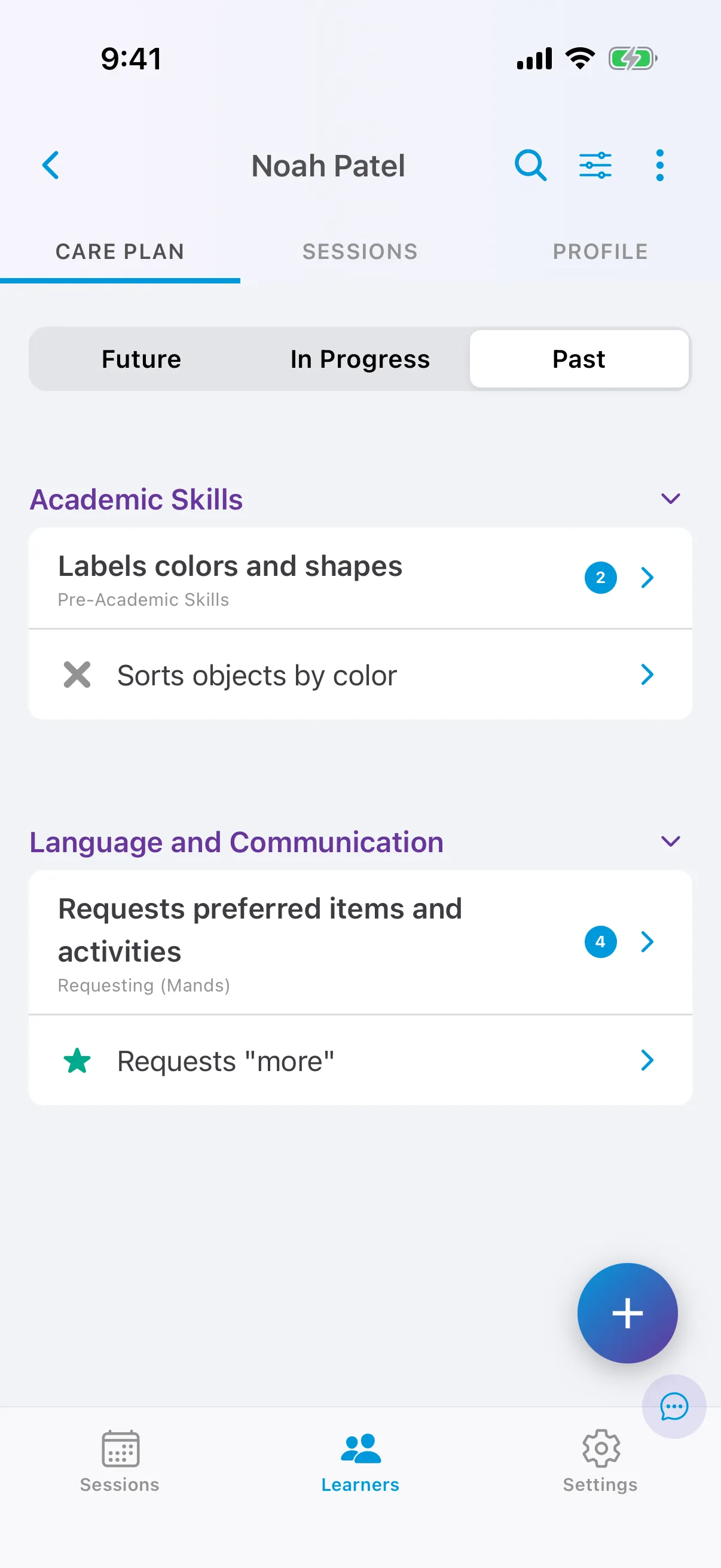
| Past | Mastered, Deactivated |
Turn on Show Active Only on the In Progress tab to hide everything except Active targets.
The number next to a goal is how many of its targets are on that tab. Tap a goal to see all its targets; tap a target to see its graph, history and configuration.
See Target phases for what each phase means.