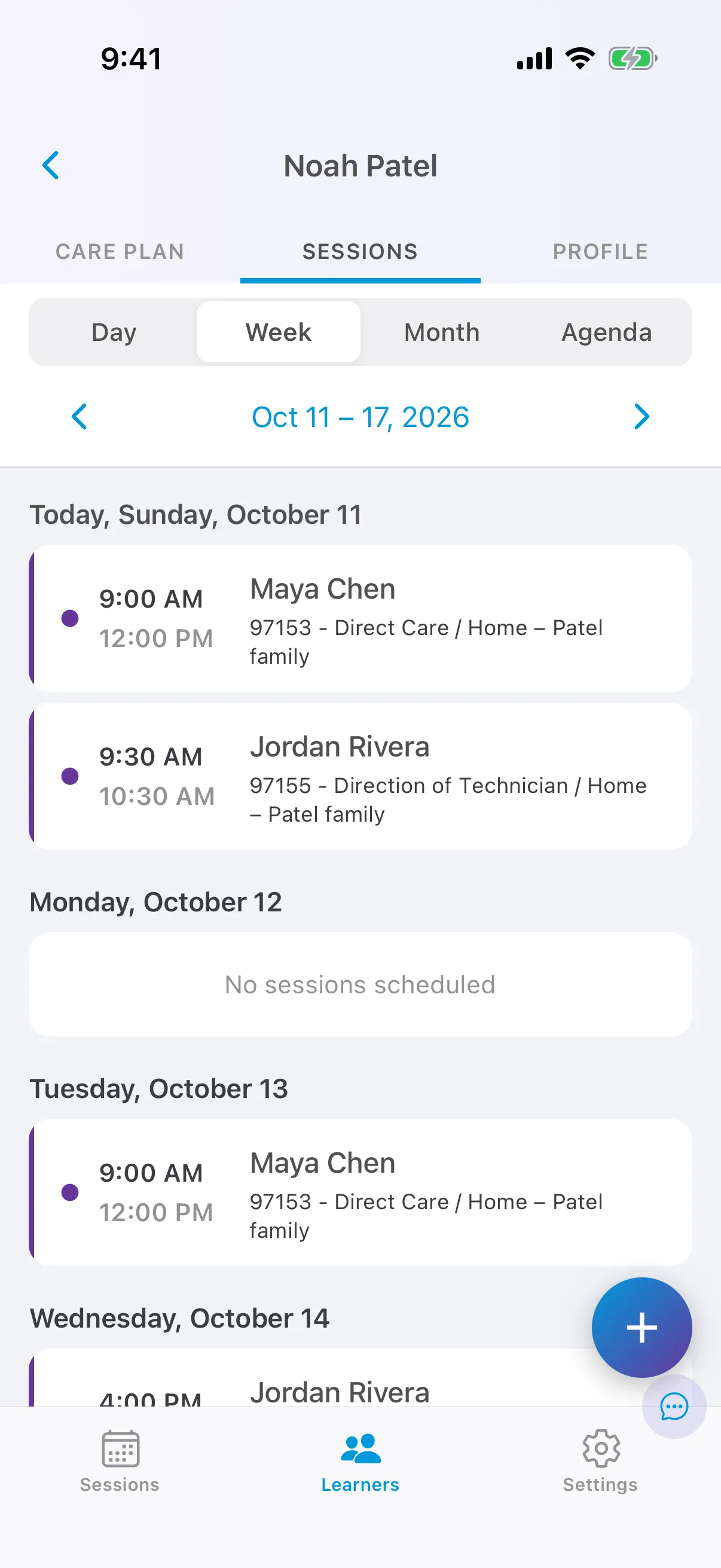

The session list
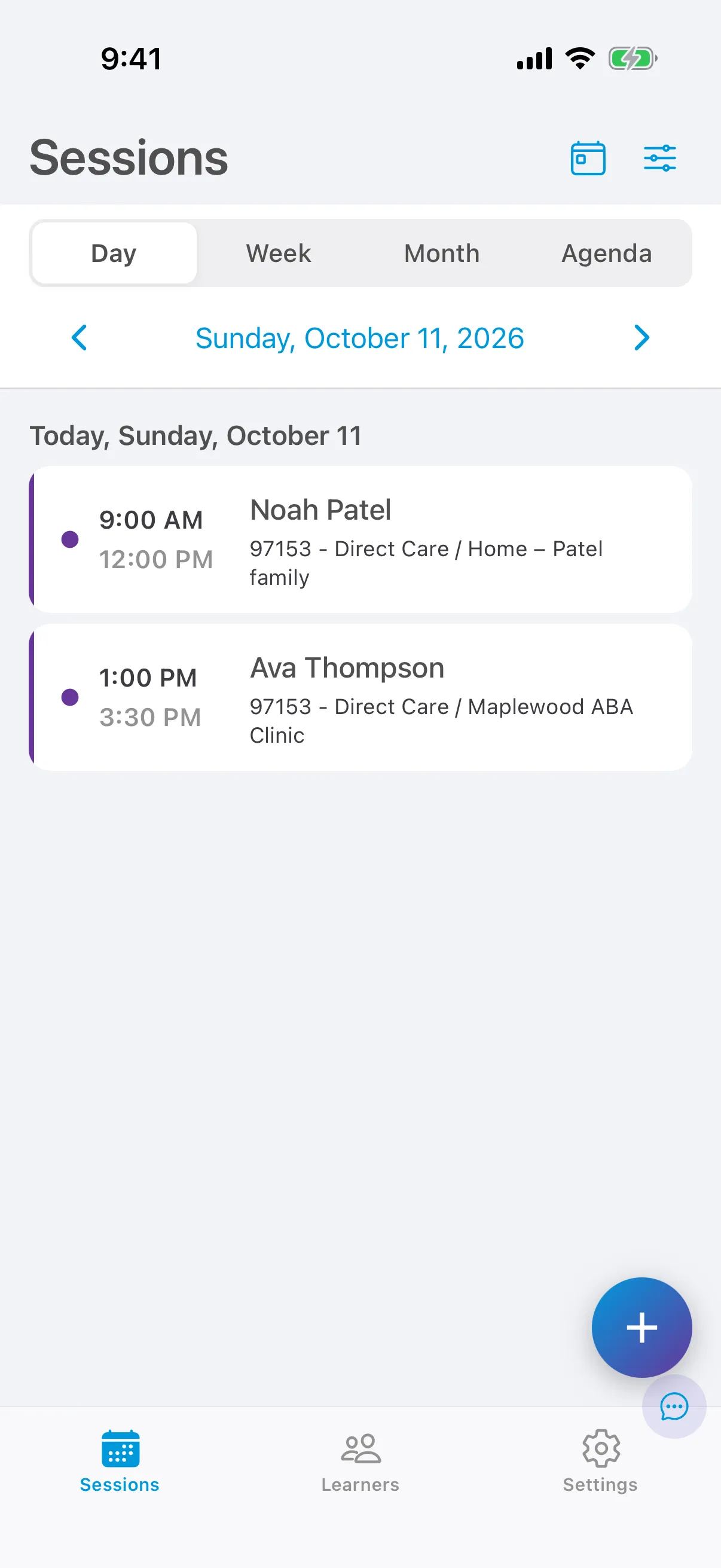
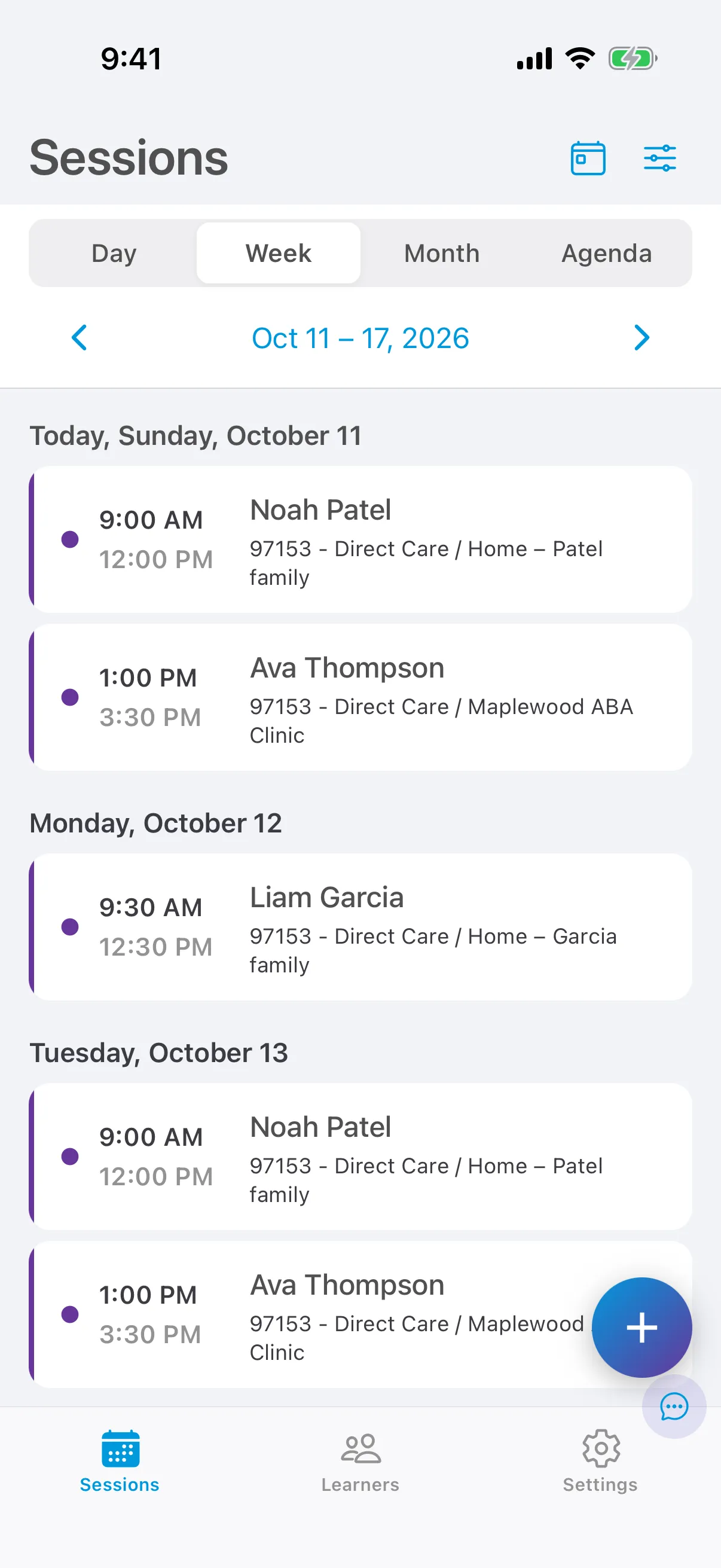
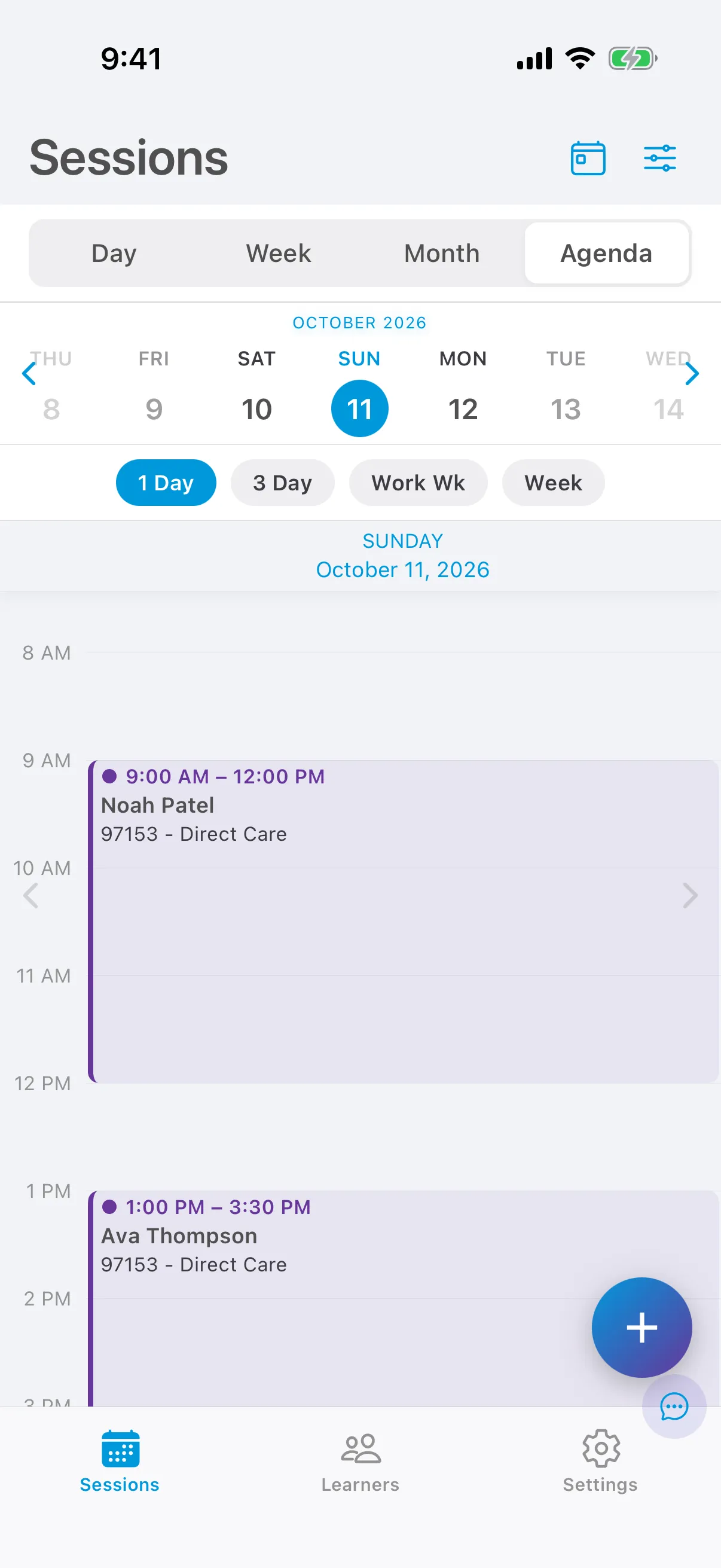
The Sessions tab is your schedule. It shows the sessions you are assigned to, with the learner, time, service and location on each card.
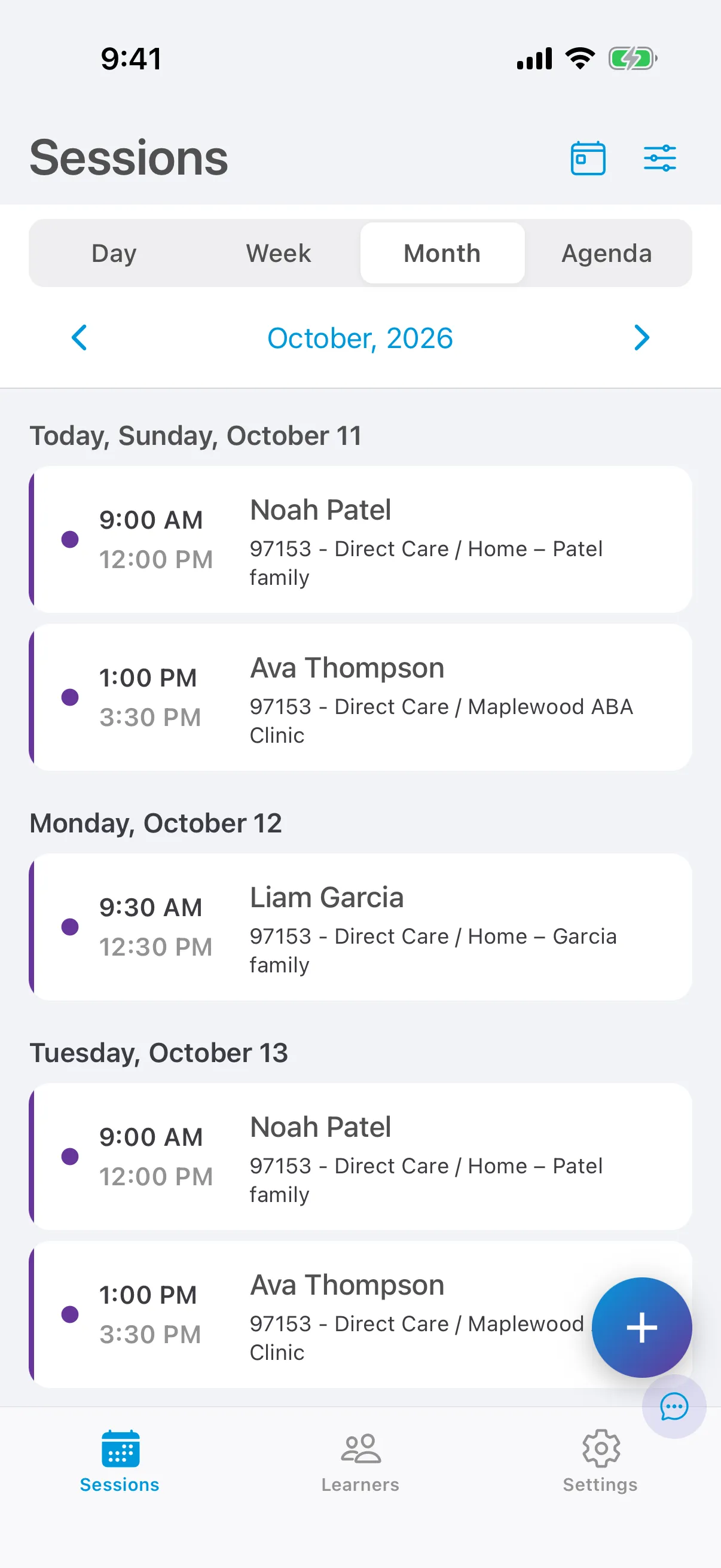
Choose a view
Section titled “Choose a view”Use the bar at the top to switch views. The arrows under it move to the previous or next day, week or month. When you move away from today, tap Today to come back.
Add a session
Section titled “Add a session”Tap + at the bottom right. See Create, edit and cancel a session.
See a learner’s sessions
Section titled “See a learner’s sessions”The Sessions tab shows only your sessions. To see every session for a learner, from the whole care team, open the learner from the Learners tab and tap Sessions.