
Care plan views
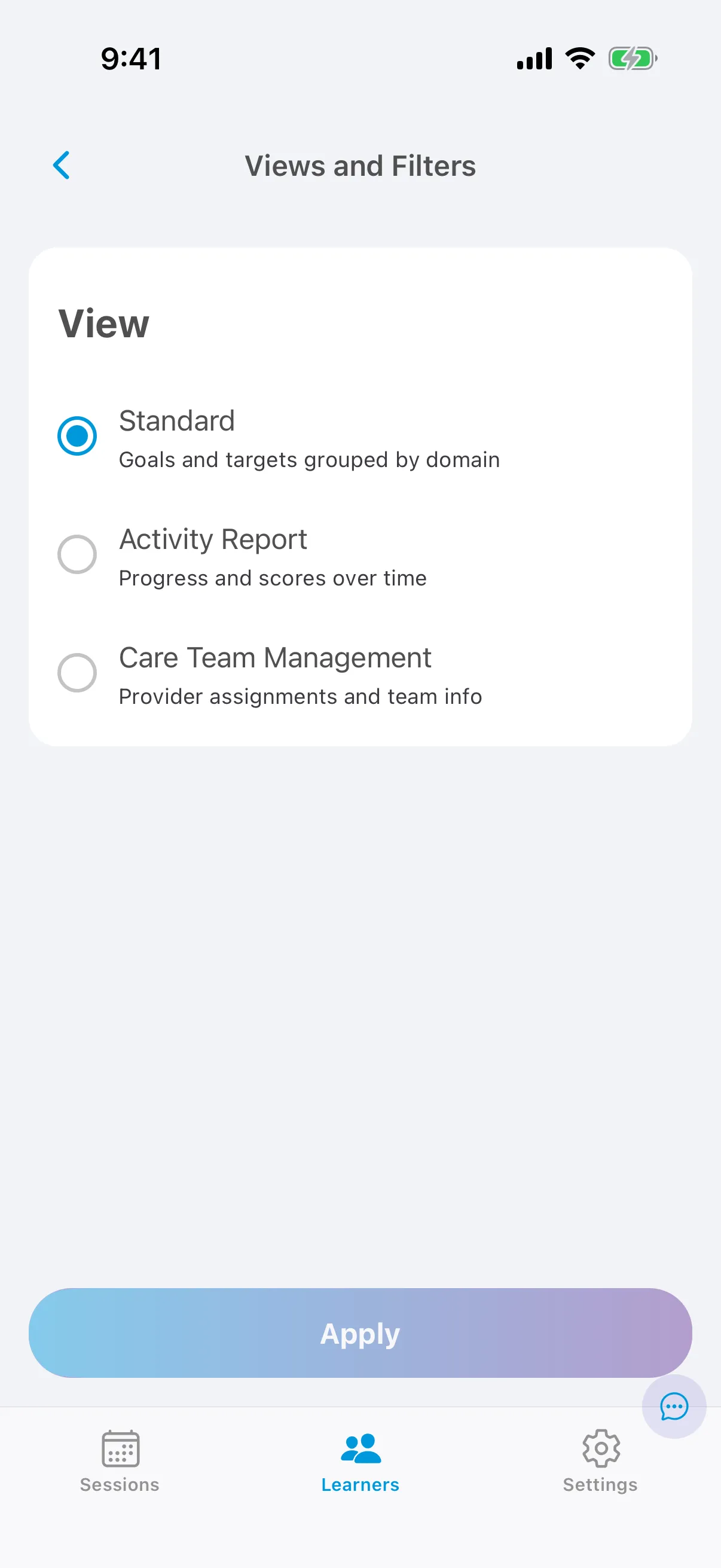
A learner’s care plan can be shown three ways:
| View | Shows |
|---|---|
| Standard care plan | All goals and targets, on the Future, In Progress and Past tabs. |
| Activity Report | All activity in a date range. See Activity Report. |
| Care Team Management | All activity in a date range, by provider. See Care Team Management. |
Change the view
Section titled “Change the view”-
Open the learner’s care plan.
-
Tap the Views and Filters button (the sliders icon) at the top right.
-
Choose a view. For the Activity Report and Care Team Management, set the start and end dates and whether to display graphs.
-
Tap Apply.